The desktop app for the pi coding agent
Givepia hand.
pi-gna puts the pi you already have in a Mac app: chats you can read, a browser pi drives while you watch, Computer Use, a Kanban board, GitHub reviews and your iPhone. Same models, same sessions, nothing to migrate.
Ciao!
Your pi, with a window.
pi-gna is a frontend, not a fork. It runs your pi exactly as the terminal does, and draws it properly.

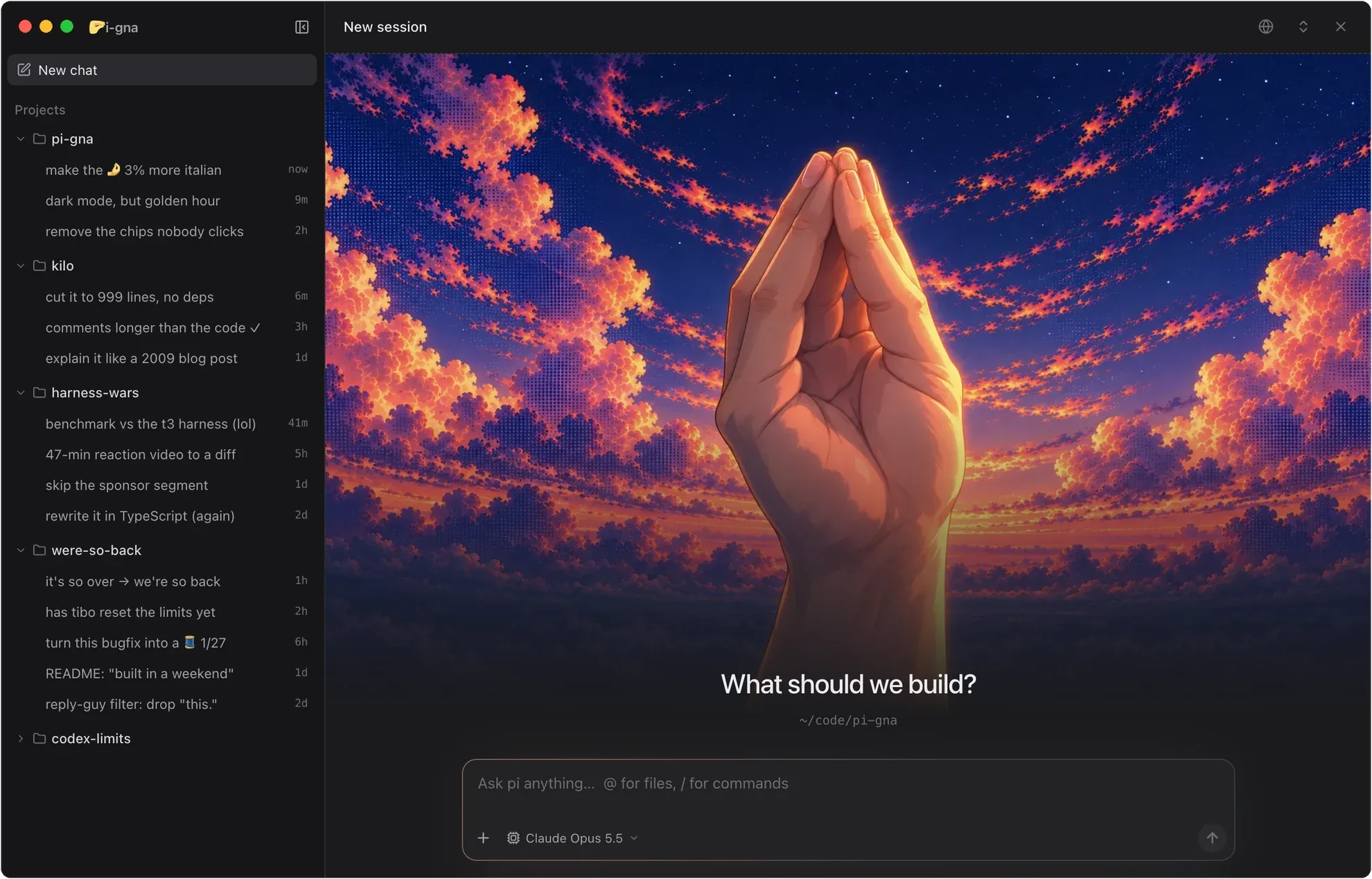
Not a fork
Every chat is a
pi --mode rpcprocess running the pi you already have. pi-gna just gives it a window.Same sessions, both ways
Start a chat in the terminal, carry on in pi-gna, and go back. Your sessions are pi’s own session files.
Nothing to set up twice
Your models and logins, settings, extensions, skills, prompt templates and MCP servers are already there.
Everything pi does, plus hands.
Ten things pi-gna adds on top of pi. Pigna dressed up for each one.








And the little things.
Made for the keyboard, like the terminal pi came from.
- ⌘K
Search everything
Chats in every project, cards, settings and commands.
- ⌥↩
Queue a follow-up
Line up the next message while pi is still working.
- EscEsc
Stop, politely
Stop the run and get your queued messages back.
- ⌘1
Jump to a chat
Hold ⌘ to see the numbers on the sidebar’s chats.
- @
Mention files
Project files by name; / for commands, skills and prompts.
- ⌘V
Paste screenshots
Images go to the model, files and folders by path.
Pronto? Andiamo.
Free and open source. Bring the pi you already have, and it’s ready in a minute.
Install pi-gna for me by following the "For agents" steps in https://github.com/manuelcecchetto/pi-gna